
How it works: Translator
You choose, edit and write translations of Voyant's English, and vote like a reviewer.
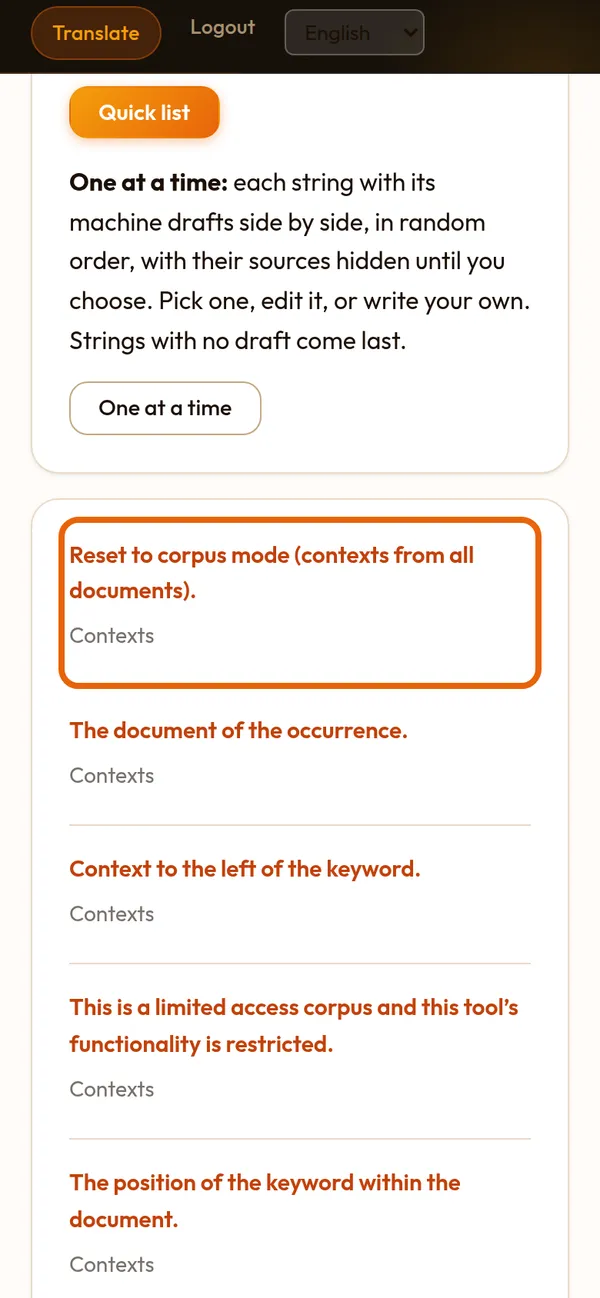
Step 1 of 9
Your list of strings
Sign in with the username from your welcome letter and open Translate. Strings your lead gave you come first, then Voyant's main screen.
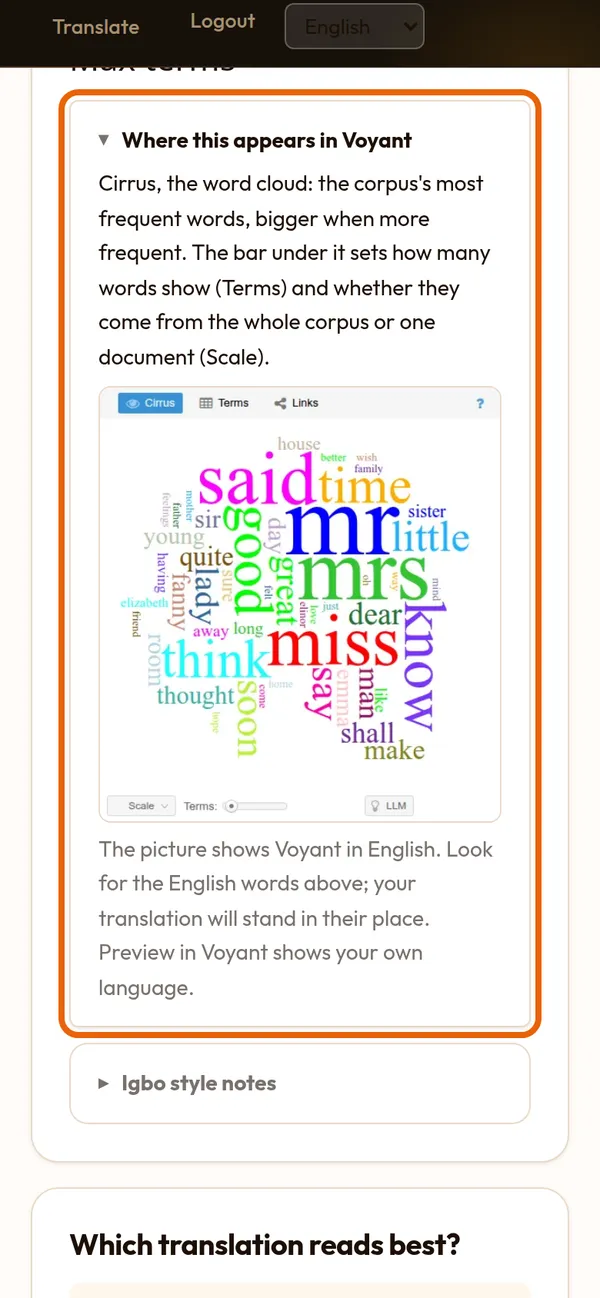
Step 2 of 9
Read the English, and see where it appears
The English is at the top and again above the choices. "Where this appears in Voyant" shows that part of Voyant and what it does.
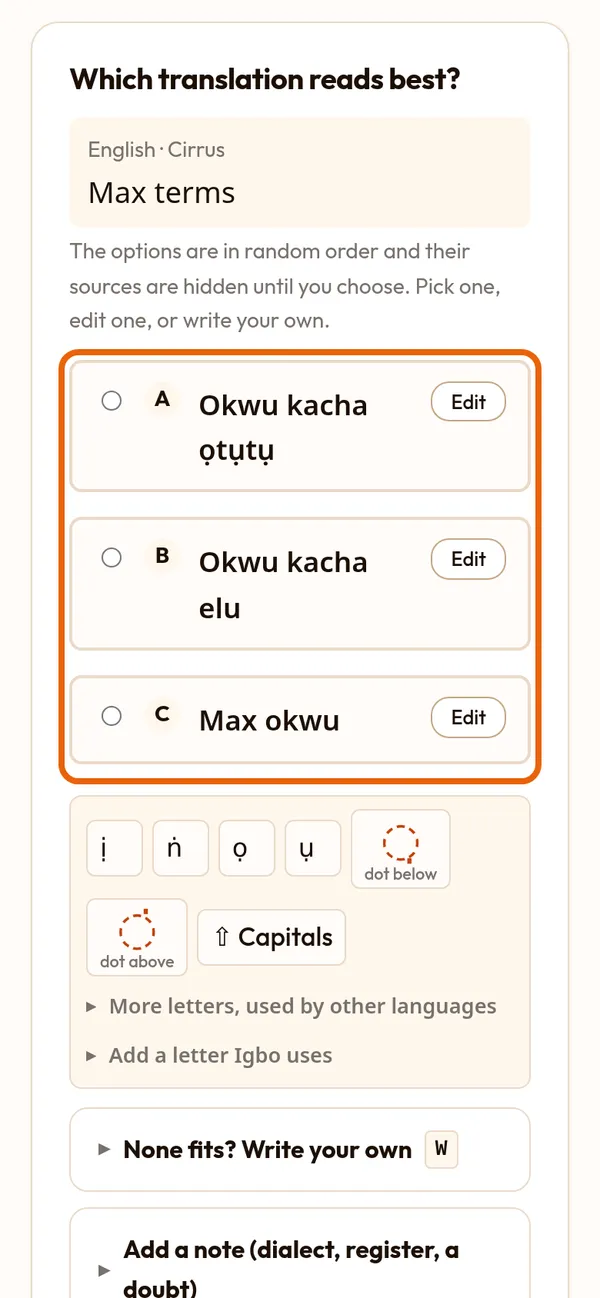
Step 3 of 9
Pick the one that reads best
The choices are in random order with their sources hidden. If one is right, tap it and press Save and next.
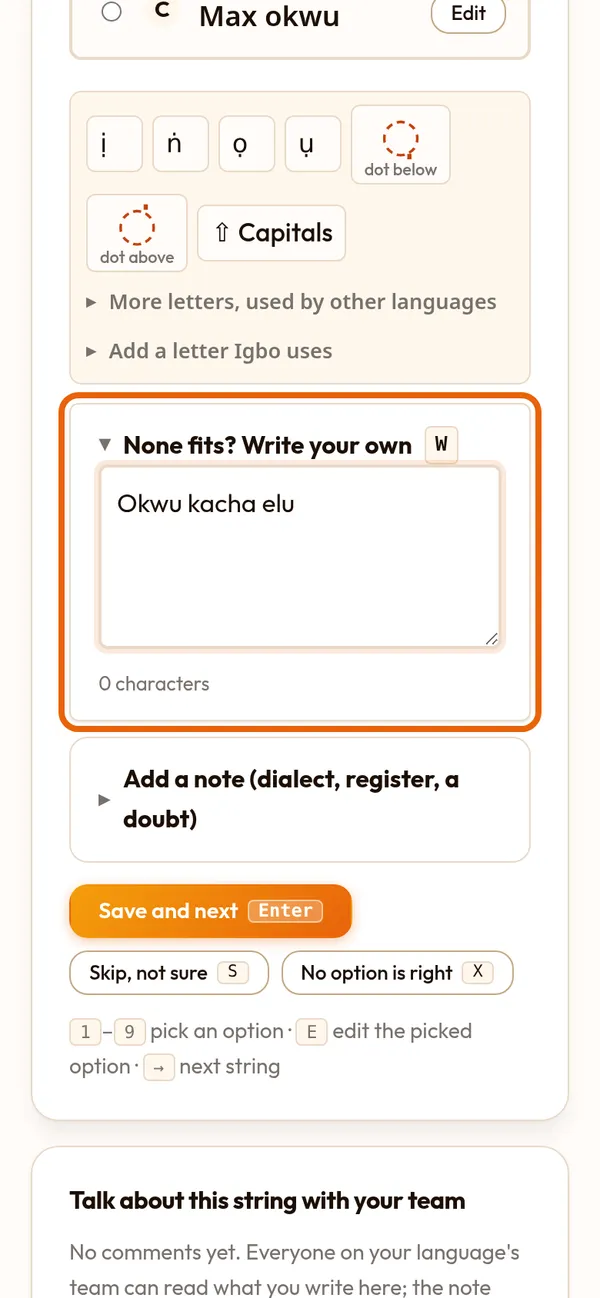
Step 4 of 9
Edit a choice that is nearly right
Press Edit on a choice. Its words move into the box below, where you correct them and save.
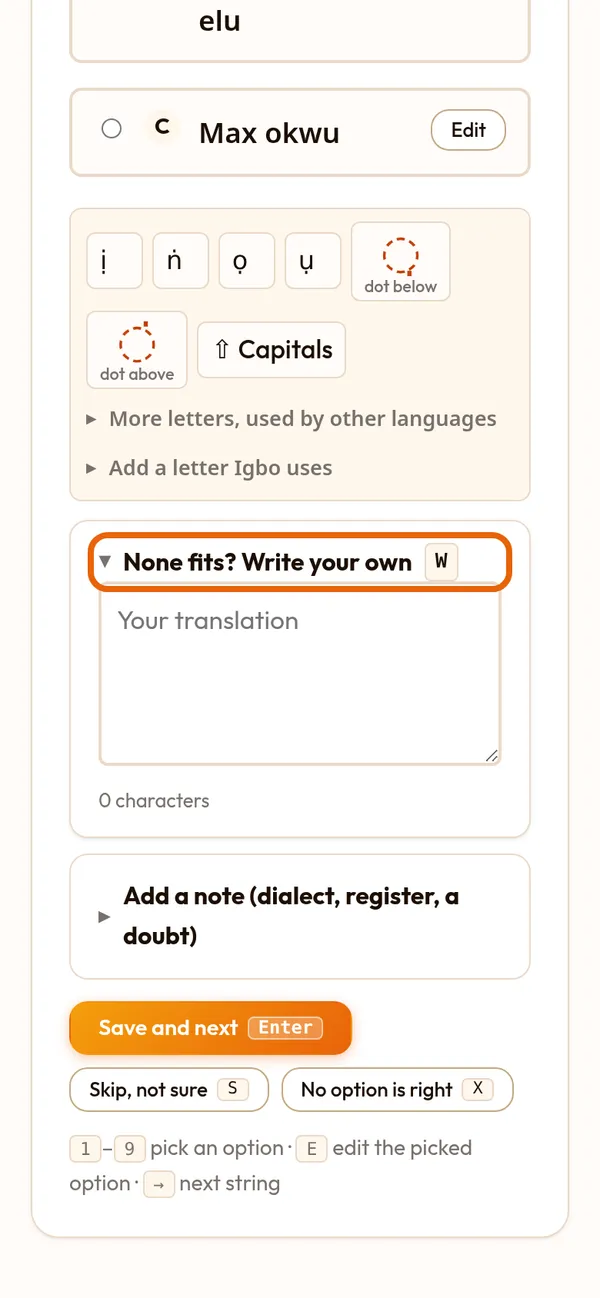
Step 5 of 9
Or write your own
None fits? Open "None fits? Write your own" (or press W) and type the translation.
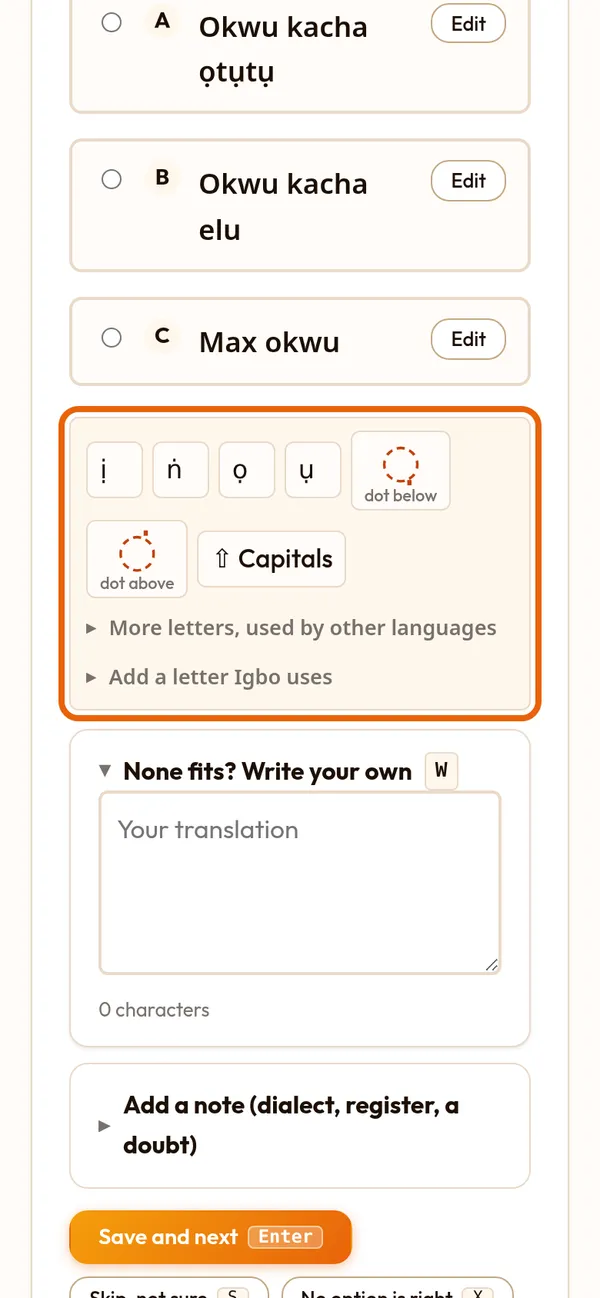
Step 6 of 9
Letters your keyboard lacks
The bar above the box types your language's letters and marks, such as ị ṅ ọ ụ for Igbo. Tap in the box, then tap a letter. Capitals switches them.
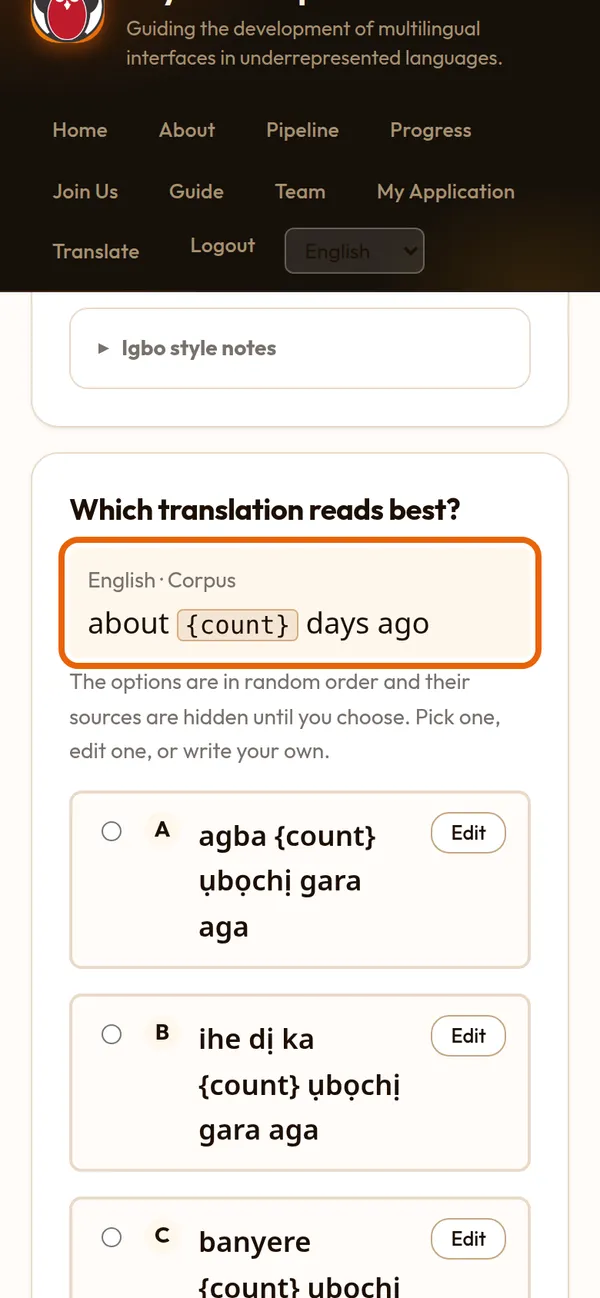
Step 7 of 9
Keep the coloured marks
Some strings carry parts Voyant fills in, such as {count}, or formatting. They show as coloured marks: keep them exactly, and move them where your grammar needs them.
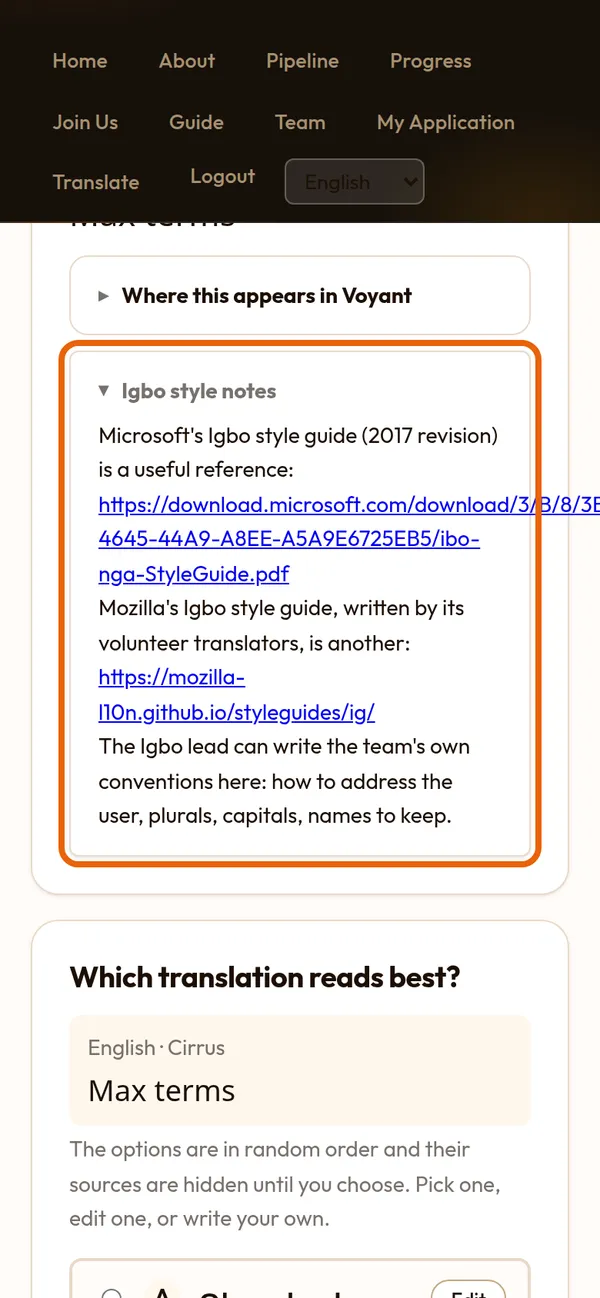
Step 8 of 9
Use your team's words
Under the English are your team's glossary and style notes. Use the same word for the same thing every time, such as corpus, document and term.
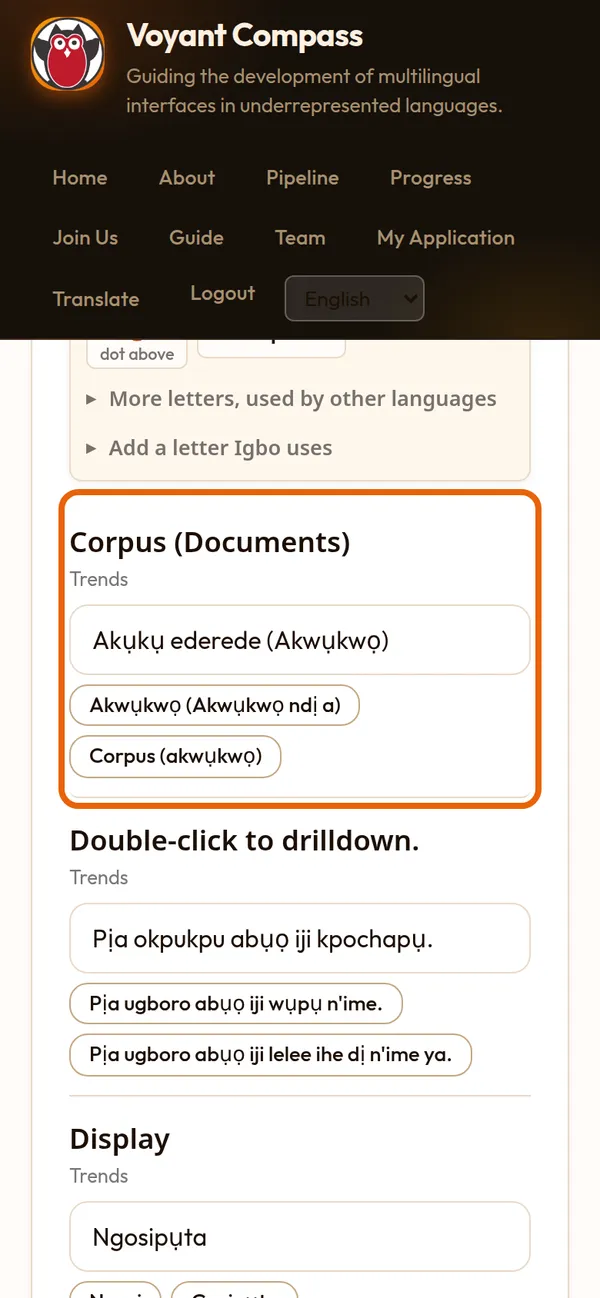
Step 9 of 9
Short strings go faster
The Quick list puts many short strings on one page: keep, fix or type each one, then save the page. The same English elsewhere gets your translation too.