
How it works: Language lead
You translate like a translator, run your language's team, and sign off its work for Voyant.
Step 1 of 8
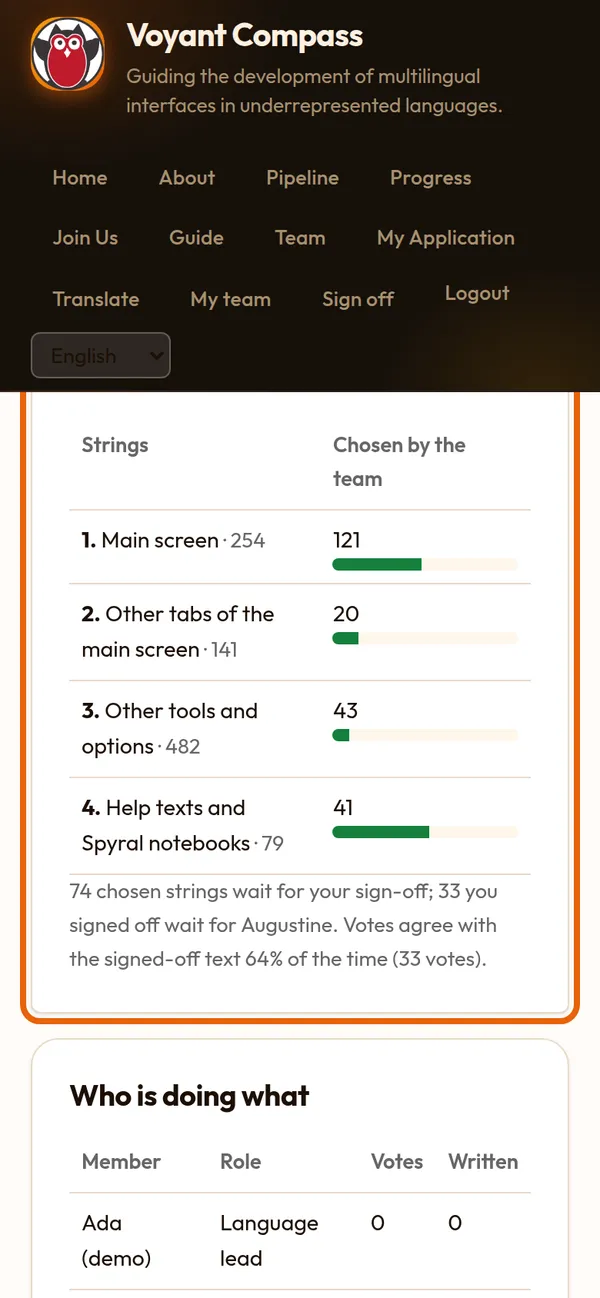
Your team's page
My team shows your language's progress, Voyant's main screen first, and who has done what.
Step 2 of 8
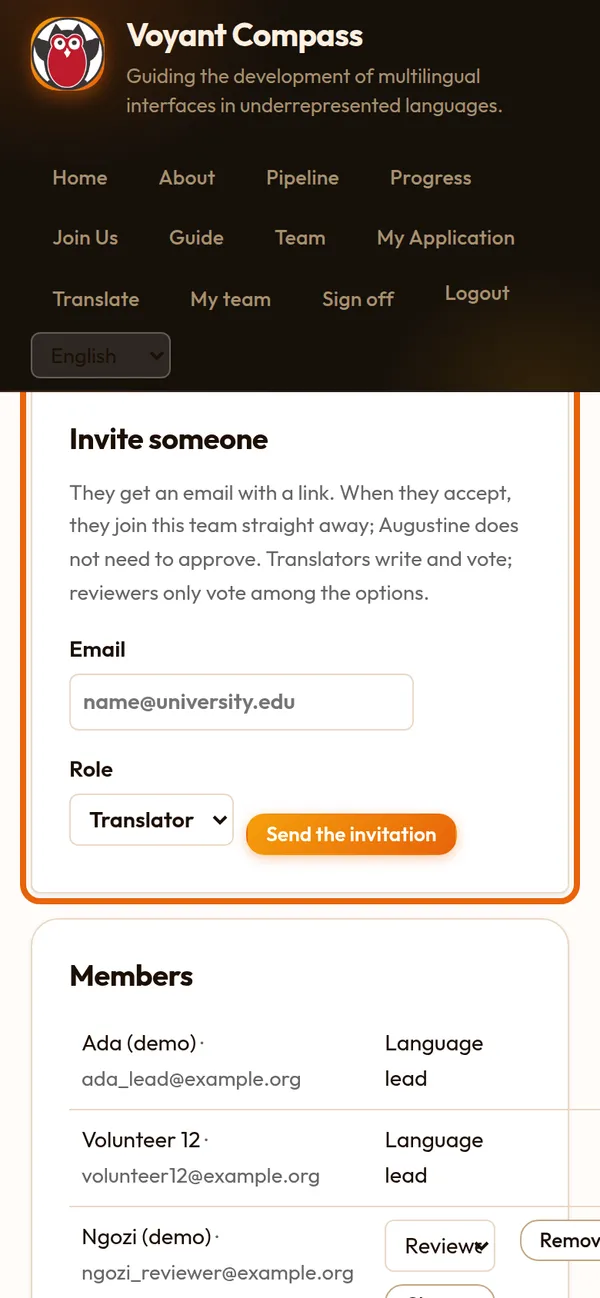
Invite and manage people
Team: invite people by email (they join when they accept), change someone's role, or remove them. Their work stays on record.
Step 3 of 8
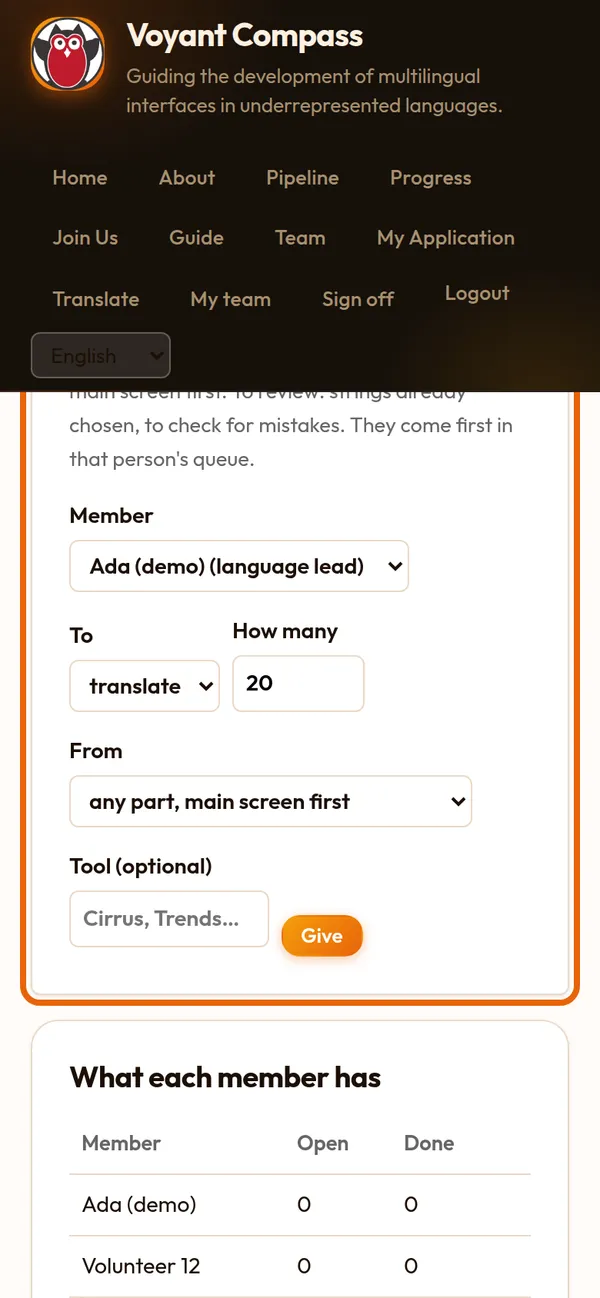
Give out strings
Give someone a number of strings to translate or to review, main screen first. They see them at the top of their list.
Step 4 of 8
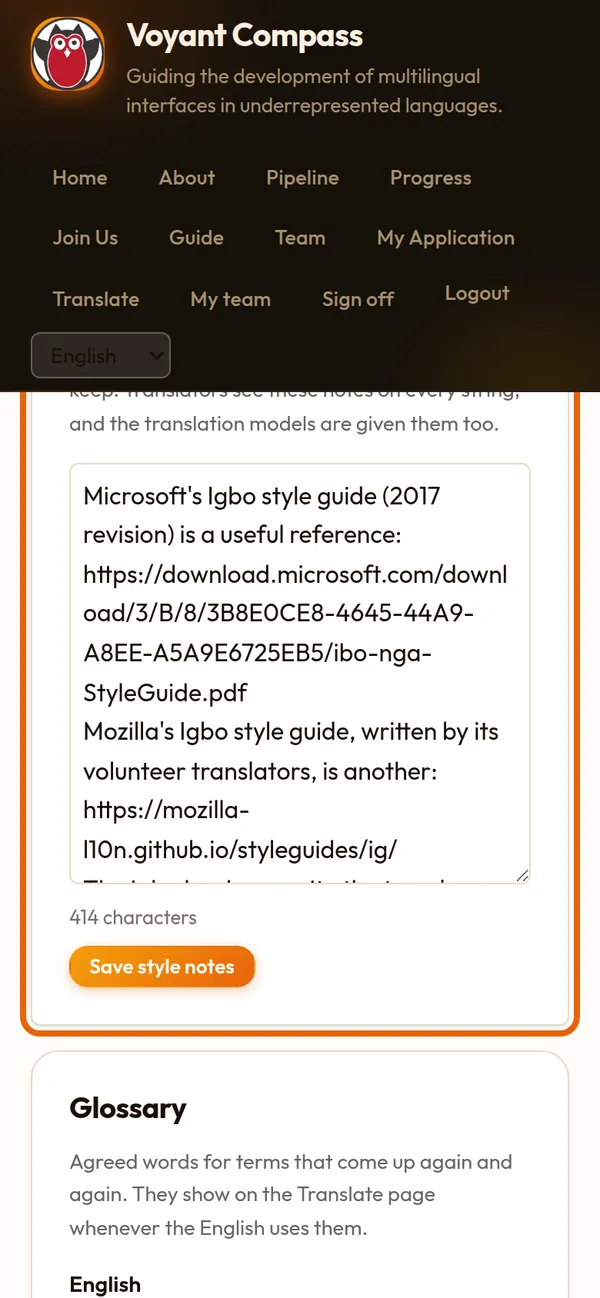
Glossary and style notes
Agree the words that come back again and again, and write your team's conventions: how to address the user, capitals, names to keep.
Step 5 of 8
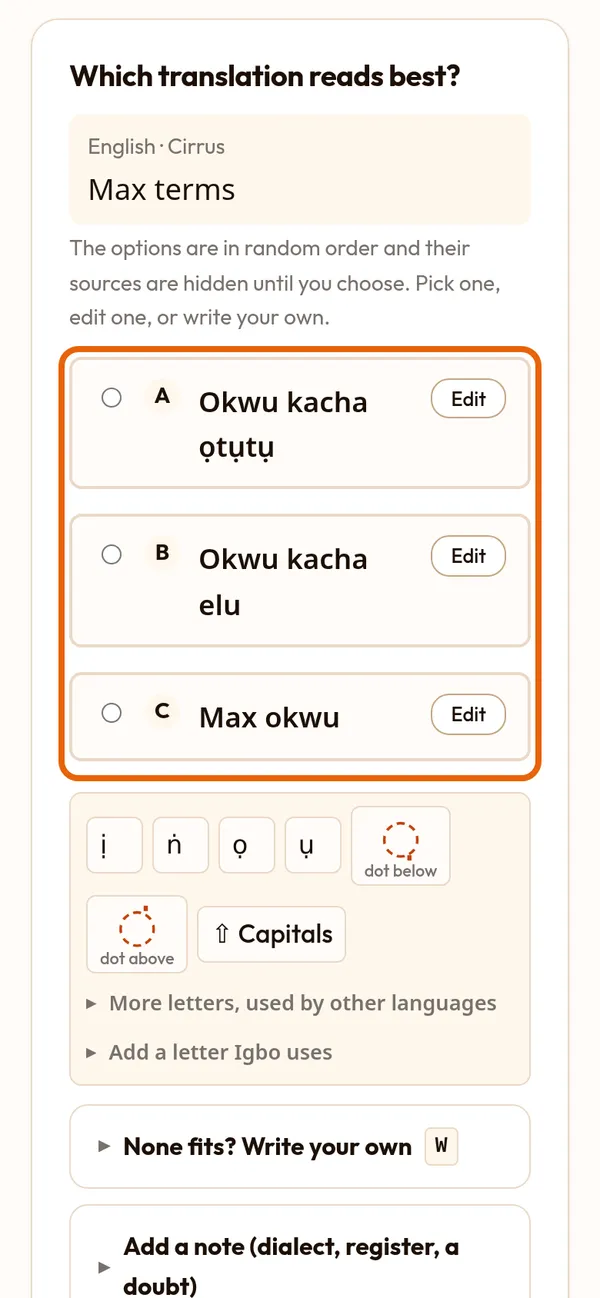
You translate too
On Translate you can do everything a translator does: pick, edit and write.
Step 6 of 8
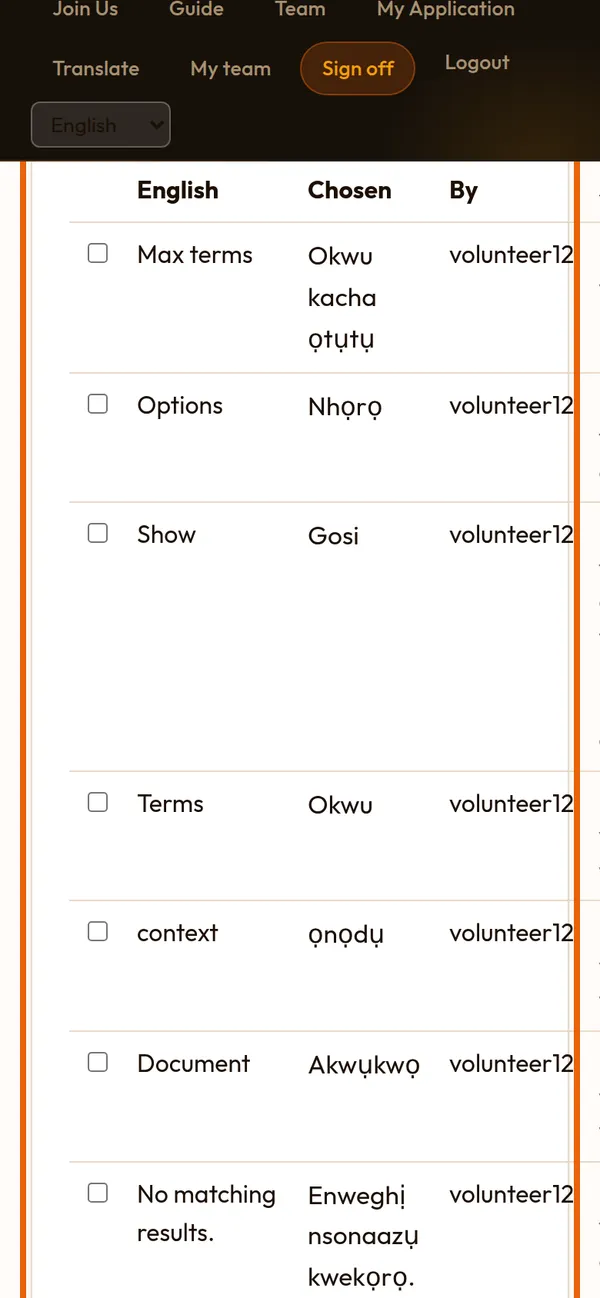
Sign off your team's work
Approve sorts your strings into disagreements, checker warnings, clean and waiting. What you sign off goes live on the experimental Voyant.
Step 7 of 8
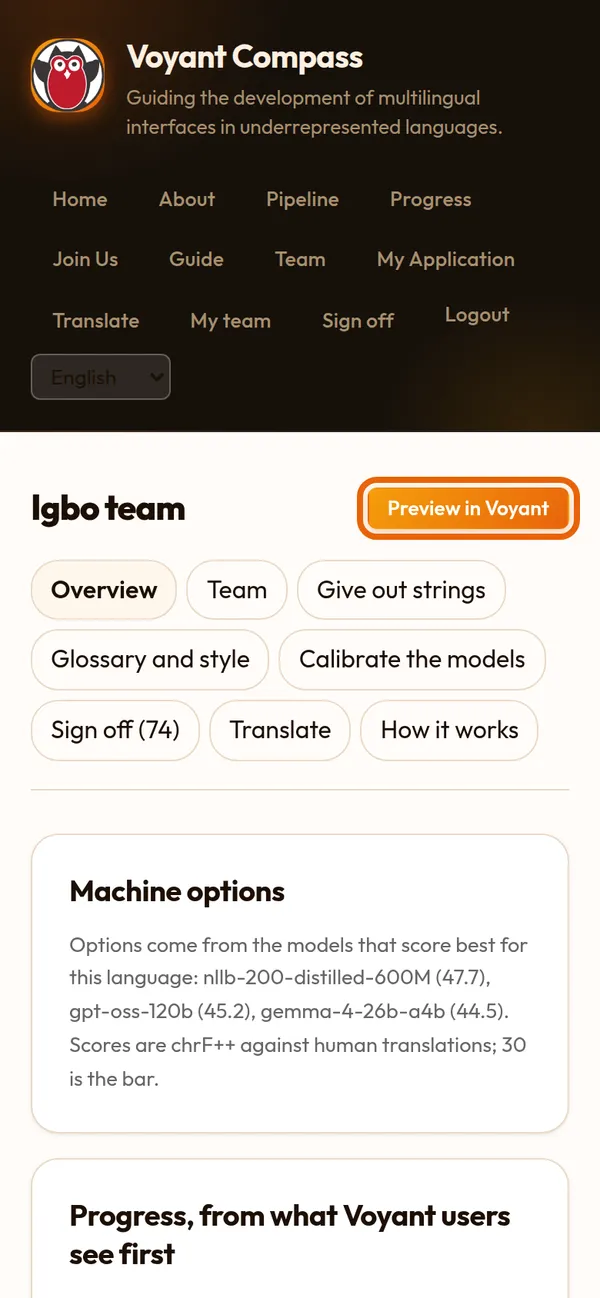
See your language in Voyant
Preview in Voyant opens the experimental Voyant in your language, with a corpus loaded, so you can check the words in place.
Step 8 of 8
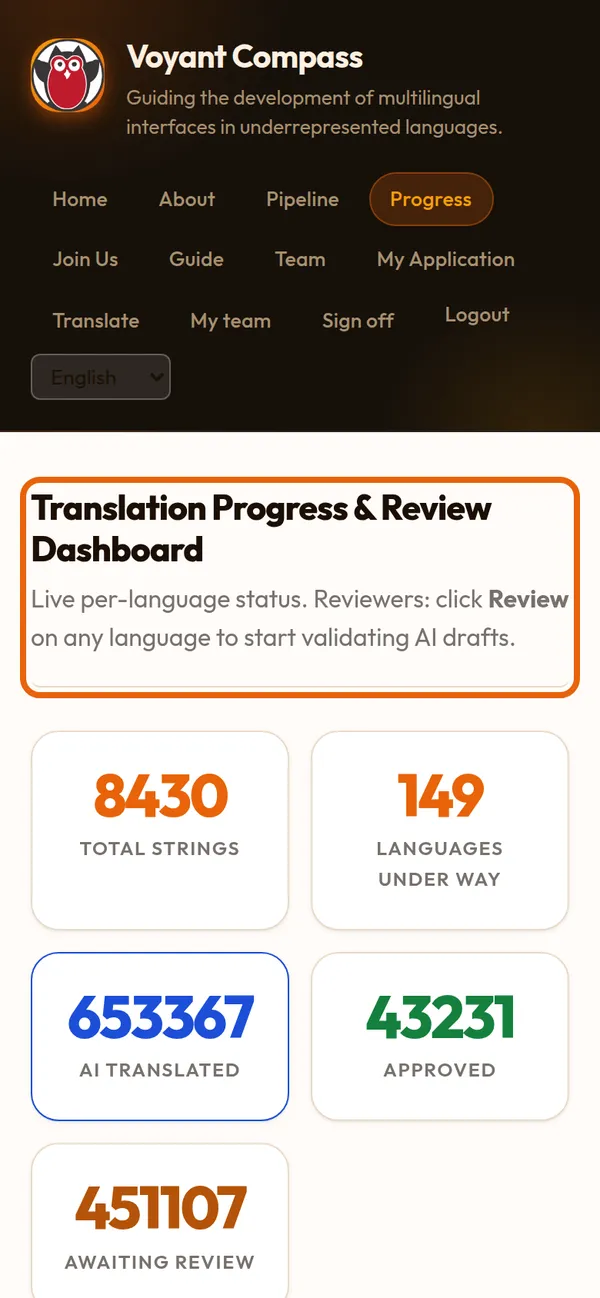
After you sign off
Augustine gives the final approval. When every main-screen string is approved, your language is ready for the main Voyant site.